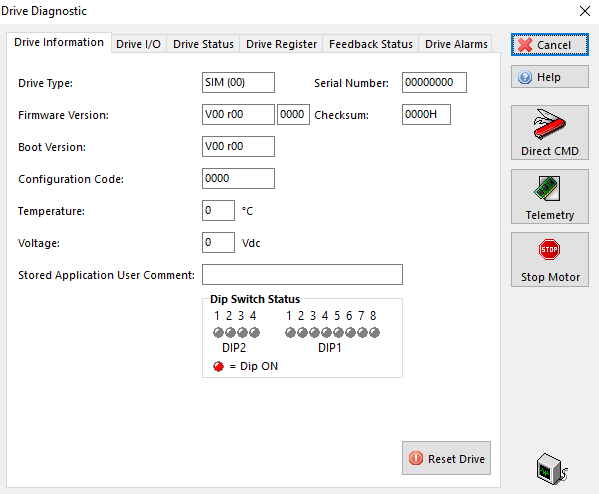
Drive Diagnostic Window
In the ONLINE condition, the Drive Diagnostic  button in the toolbar opens the Drive Diagnostic window.
This window displays drive information and allows you to simulate the digital inputs, assess I/O status, force a drive reset, assess drive status and read or clear the Drive Alarms history.
This window is automatically closed when you switch to the OFFLINE condition.